
Mobile device information
Take the course on your phone or tablet.
At TexasDriveSafe.com we are committed to offering the most simple to use and convenient course delivery format in the industry. With that said we are proud to announce that our course is compatible with mobile devices (tablets and smartphones). Offering this great feature takes our course to a whole new level of flexibility.
Registration and payment occur at TicketSchool.com (CP-090).
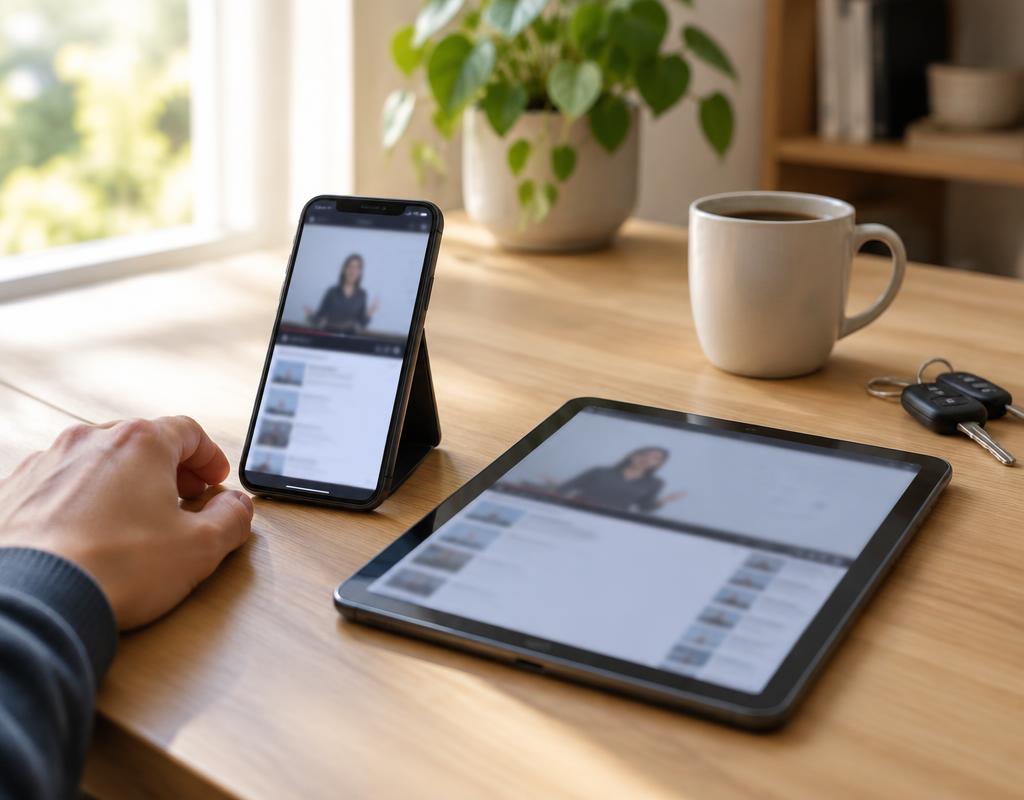
How to start on your phone
Open our website in your phone's browser, then register or log in. The course works exactly the same as it does on a computer. If you have an internet connection, you can take the course.
We want to make this the easiest and most convenient online Texas defensive driving course anywhere, and being able to study from your phone is part of that. Register today — you will be glad you did.
 4.8 out of 5
Common questions
Answers before you register.
Still unsure? Call 800-558-9887 or send us a message.
Register NowWhat if I registered on a PC or laptop, can I then log in from my mobile device?
Yes. It does not matter what device you registered on. Each time you access the course, it will automatically detect the type of device you are using to make sure you have the most user friendly experience. You are free to switch back and forth from mobile to non-mobile devices if necessary without issue, but make sure that you logout of the course prior to switching devices to avoid any session conflicts.
Do I need to install a multimedia player?
No. Modern course videos and interactive material play directly in a current web browser. Adobe Flash Player has been retired and is not required.
When you say “mobile friendly,” does that include mobile phones?
Yes. You can use a modern mobile phone or tablet with a stable internet connection. A larger screen may be more comfortable for longer study sessions.
Is the course Android device compatible?
Yes. Any mobile device with an Android operating system is compatible with our course.
Can I take the course on a Windows computer or Surface tablet?
Yes. Use a current version of Microsoft Edge, Chrome, or Firefox and make sure you have steady access to the internet.